iPhone guides
How to Add Basketball Widgets to Your iPhone
Add a basketball widget to your iPhone, choose between Home Screen and Lock Screen layouts, and understand how widgets differ from Live Activities.
Read guide
Your team and player, at a glance.
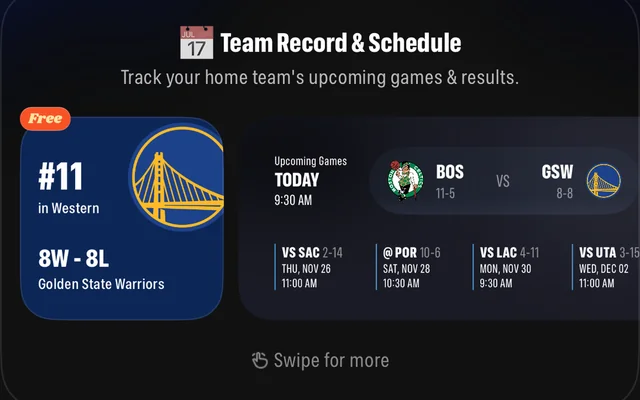
FansDash brings player season averages and career statistics, season leaders, team standings, and schedules into a basketball-focused app. Its App Store listing includes Home Screen and Lock Screen widgets, plus Live Activities.
Use a widget for a regular stats or schedule check. Use a supported Live Activity for an ongoing game. The available layouts and behavior depend on your installed app version, device, and iOS settings.
Review the current screenshots and available layouts on the App Store. FansDash is free to download; premium widgets require a paid subscription. Offers vary, so check the price shown in the app before purchasing.
iPhone guides
Add a basketball widget to your iPhone, choose between Home Screen and Lock Screen layouts, and understand how widgets differ from Live Activities.
Read guide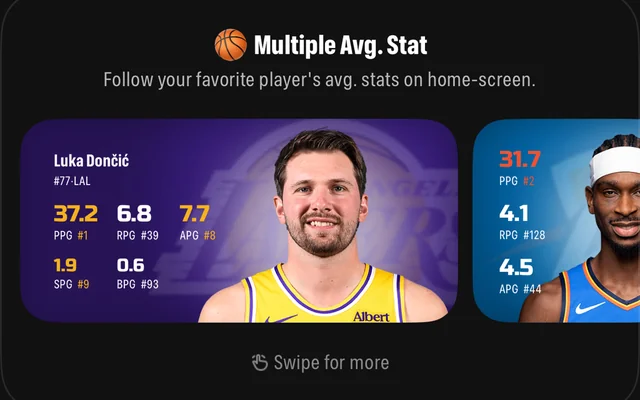
iPhone guides
Understand the difference between a basketball widget and a Live Activity, including where each appears and which information each helps you follow.
Read guide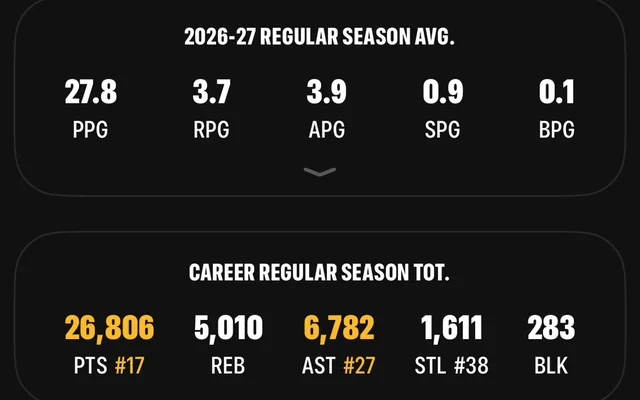
Stats explained
Learn how points per game differs from total points, why games played matters, and how to compare the numbers in a basketball statistics widget.
Read guide